


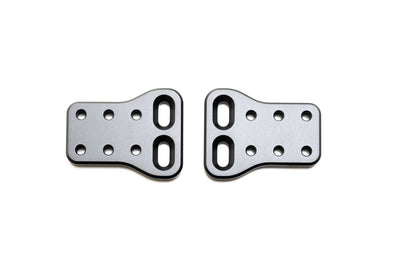
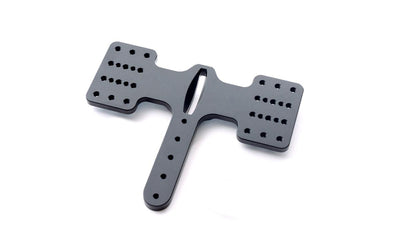
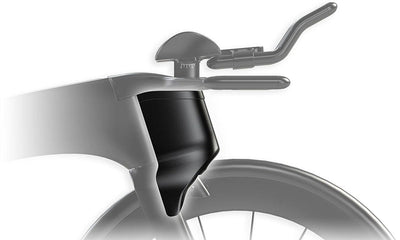
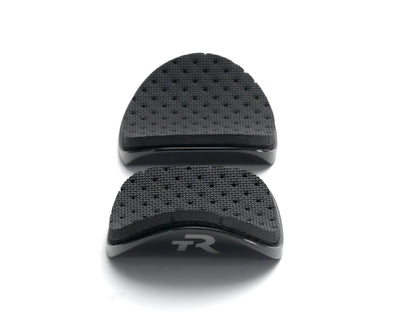
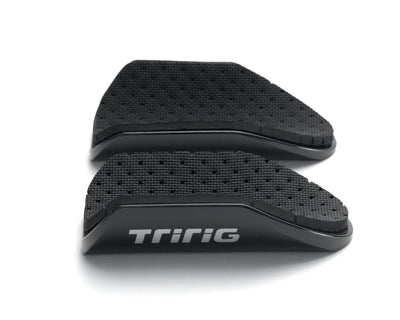
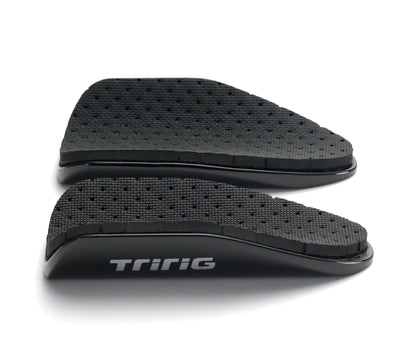
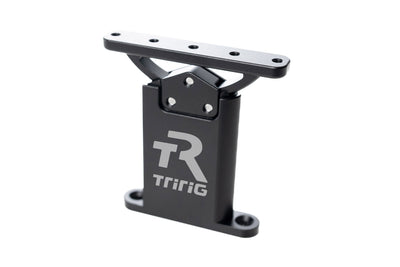
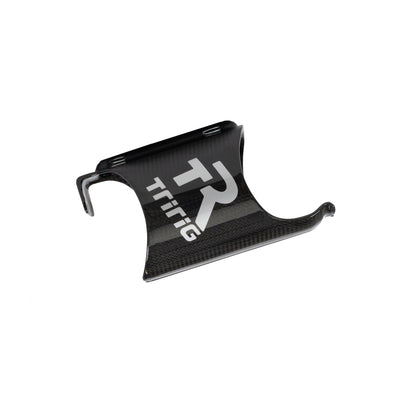
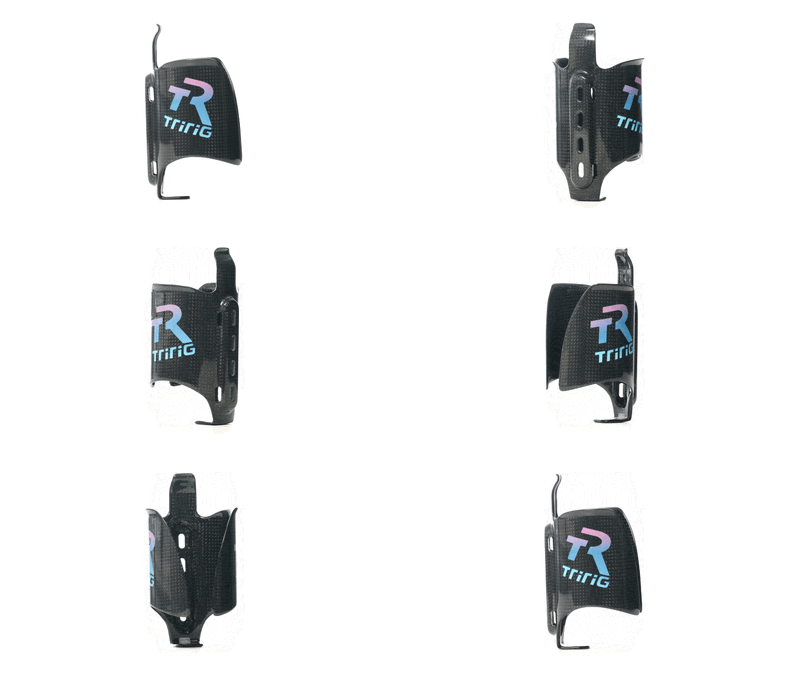
Felt IA 2.0 Super-X Plate Installation Guide
SuperX Plate — Installation Guide (Felt IA 2.0 Only)
⚠️ Compatibility Warning
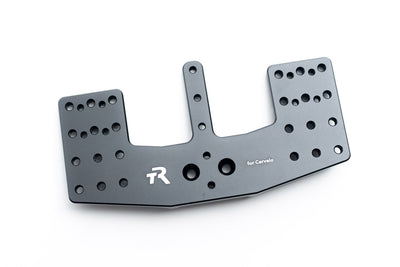
The Super-X Plate is designed exclusively for the Felt IA 2.0 base bar.
It is not compatible with any other bar and must be installed using the native Felt IA 2.0 hardware.
👉 Only riders with a Felt IA 2.0 should purchase and install this specific plate (see other Super-X Installation Guides for other bikes).
Step 1 — Prepare the Base Bar
-
Remove all existing components from the base bar until it is fully exposed (“naked”).
-
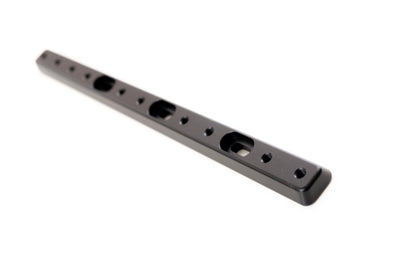
Retain the original Felt IA 2.0 spacers.
-
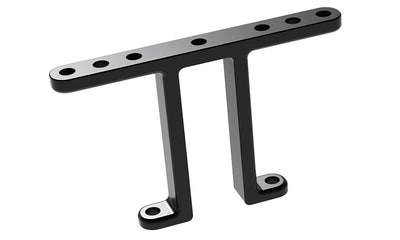
The optional Felt bridge may also be used if desired.
-
Step 2 — Position the Hardware
-
From the underside of the base bar, insert the long M6 bolts supplied with the Felt IA 2.0 bar.
-
Feed the bolts upward through the bar and spacers.

Step 3 — Install the SuperX Plate
-
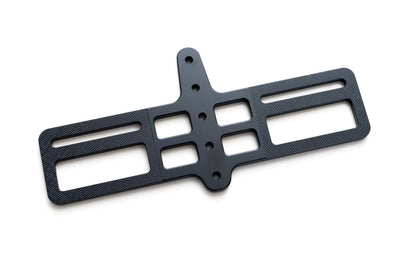
Place the SuperX Plate on top of the bar, aligning it with the M6 bolts.
-
Thread the bolts into the plate from the bottom of the bar.
-
Tighten the bolts evenly until the plate is fully seated and secure.

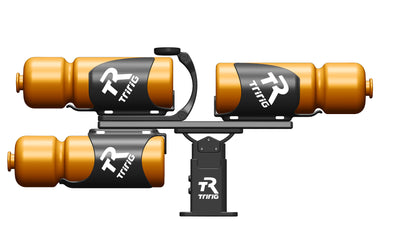
Final Installation Visual:

Note:
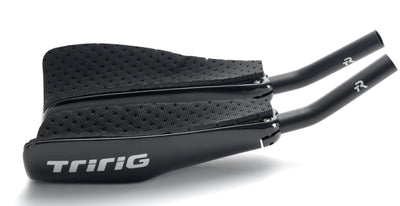
- You can use the Alpha Prime extension clamps that can be mounted underneath the plate to run extensions.
