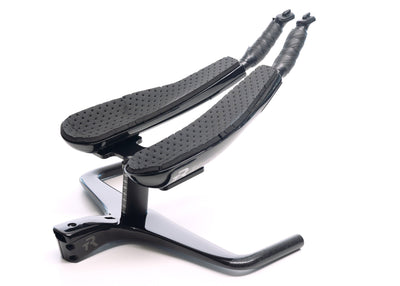
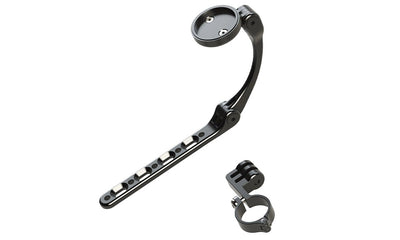
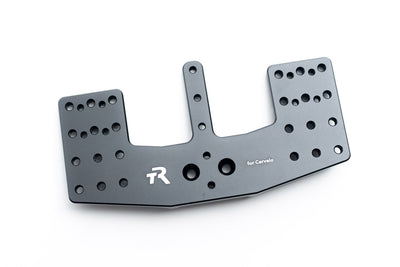
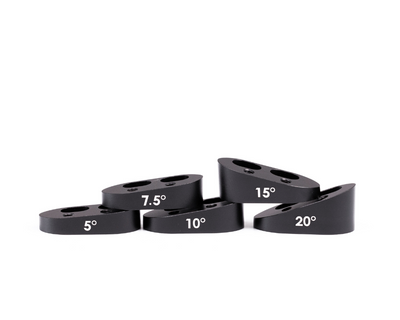
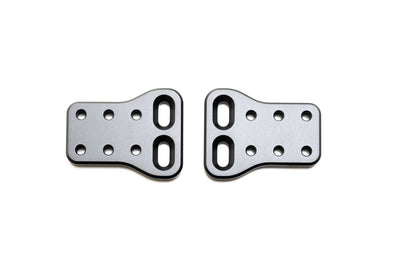
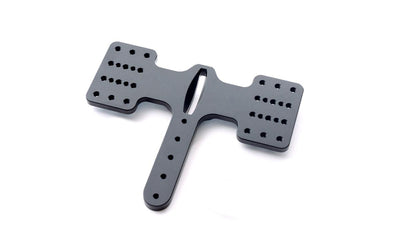
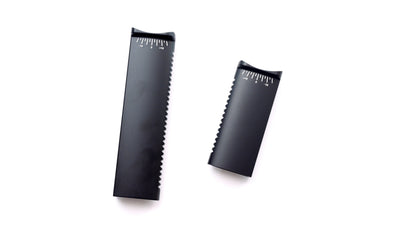
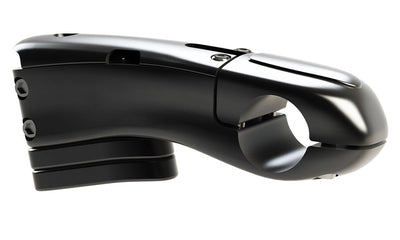
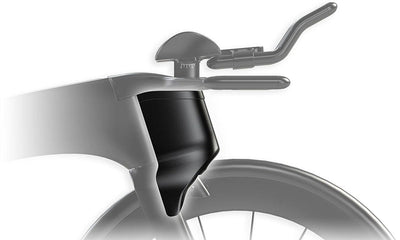
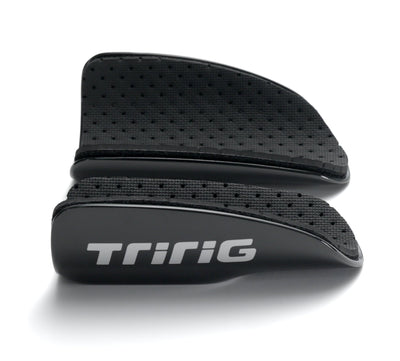
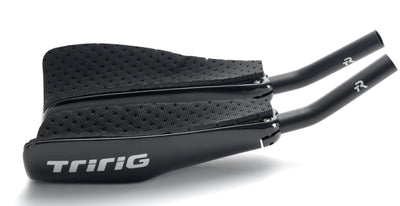
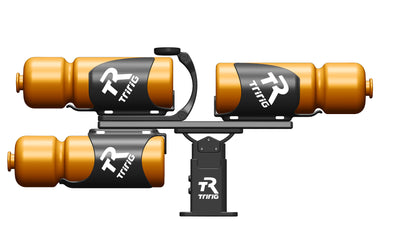
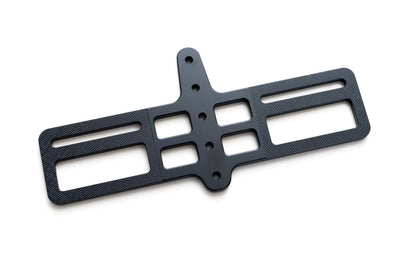
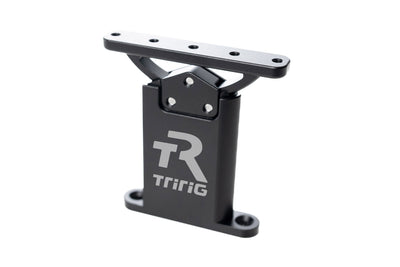
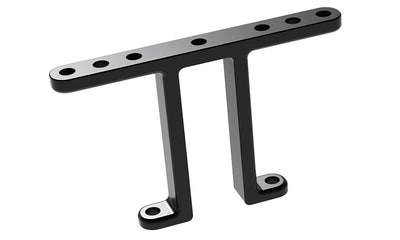
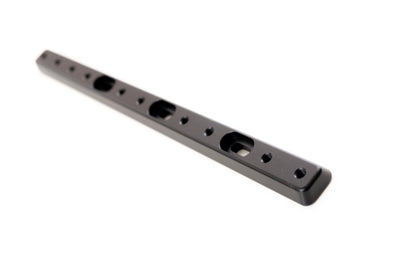
Please refer to all part names indicated in the image above. These will be referenced throughout this Installation Guide.
IMPORTANT: All bolts on Alpha Prime can be adjusted with a single 4mm hex wrench. We include a high-quality Silca 4mm wrench for easy on-the-fly adjustments. However, always use a torque wrench for initial installation, and whenever available. Overtorque can result in damage to the bar, not covered by warranty.
Alpha Prime can accept any 22.2mm standard aerobar extension. It can be purchased with our own TriRig Gamma extensions which allow a variety of different positions to be achieved. However, it can also be purchased without any extensions so that you can use your own. Any standard extension may be used. Some older extensions use a 22.0mm diameter instead of the more common 22.2mm standard. These undersized extensions may be difficult to tighten down, and we cannot guarantee fit. However, we have successfully tested some 22.0mm extensions in the bar, and they fit well. So if you have a favorite extension in the 22.0mm standard, there's a good chance it will work in Alpha Prime.
Alpha Prime features advanced cable routing for use with any drivetrain, as well as centerpull brakes like the TriRig Omega One. If running a brake cable to a rim brake caliper, run housing all the way to the brake.
The Alpha Prime is designed to work with disc brake frames and supports multiple hydraulic brake hose routing options. Most commonly, this will be out the rear under the stem cover and into the top tube, or under the stem and into the headtube in front of the steerer tube.
Stem Hardware
Begin by removing the headset cap and any round spacers already on your fork. Alpha Prime is designed with aero-matched stem spacers and integrated dust cap for superior aerodynamic performance. The bottom surface of the base bar, and the aero-matched stem spacers all feature a 1.5mm counterbore to cover your headset, eliminating the need for a dust cover. However, if your particular setup requires its existing dust cover, or the Alpha Prime system does not adequately cover your headset, you can use your existing dust cover. It is also possible to use standard round spacers underneath the Alpha Prime basebar if needed.
Alpha Prime includes in integrated stem cover which requires you to trim your fork steerer. It can be used without this stem cover if you wish to keep spacers above your stem. However, for best aerodynamic and functional performance, you will want to trim your steerer tube and use the integrated cover. Trim your steerer tube so that it ends 2-3mm below the top surface of the Alpha Prime's integrated stem.
With the stem cover removed, install Alpha Prime onto your fork as you would any other stem. Apply carbon paste around the steerer tube, and all interior surfaces of Alpha Prime stem clamping zone. Install the integrated stem cover, and follow the torque specification of your headset for the headset preload bolt (in general, just enough torque to remove any play from the steerer column). Then use 5-6 Nm of torque on the stem pinch bolts to tighten Alpha Prime to your steerer tube. Sometimes it may be easier to set compression using a standard headset topper so as not to worry about overtorquing the Alpha Prime stem cover. This is perfectly acceptable. Simply reinstall the stem cover after tightening stem bolts.
Extension + Arm Cup Hardware
Alpha Prime's Sawtooth Monopost allows for continuous stack adjustment in 5mm increments. Adjust the stack height to desired position and tighten the front set screw to 12-14 Nm.
If using round extensions, mount the extension clamps to the underside of the dragonfly using the included bolts (the flat washers will not fit and are not necessary here). Tighten to 5-6 Nm (this may be easier done before securing to the monopost). Slide the extensions into the clamps and and secure the single extension bolt to 3-4 Nm. Extensions can be trimmed as needed.
Attach the Dragonfly to the Monopost, using the two M6 countersunk screws and the Tilt Washer, with the Tilt Washer's arrow pointing forward toward the bicycle's front wheel. The angle of tilt is indicated by the hashmarks on the Monopost, and can be adjusted from approximately -10 to +17.5 degrees. Tighten both M6 countersunk screws to 8 Nm. The tilt angle can be adjusted or readjusted at any time, even with the arm cups in their narrowest position.
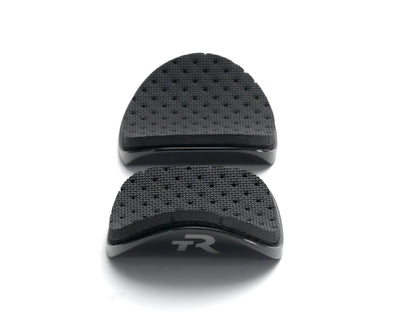
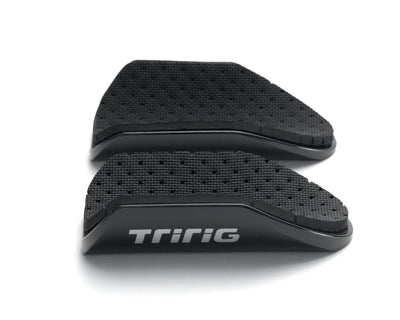
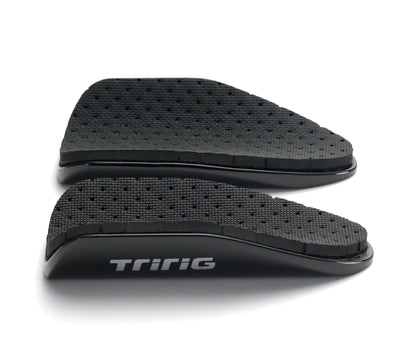
Mount the arm cups with two M6 x 12mm bolts each. Tighten to 5-6 Nm. Use included metal washers if available.
Route brake hoses/cables and install brake levers (tighten until they no longer rotate or ~6 Nm). Install bar end shifters. Enjoy your new front end!